

About Seth Resler
It's getting harder and harder for content creators to cut through the noise of the digital landscape.
I know. For 30 years, I have had the privilege of collaborating with various content creators, ranging from musicians to podcasters to comedians. The rise of the internet brought easily accessible content creation tools, such as Wordpress, YouTube, and social media. Using my expertise, I helped traditional media brands smoothly incorporate these new tools into a well-integrated digital strategy.
It's Getting Harder to Cut Through the Noise
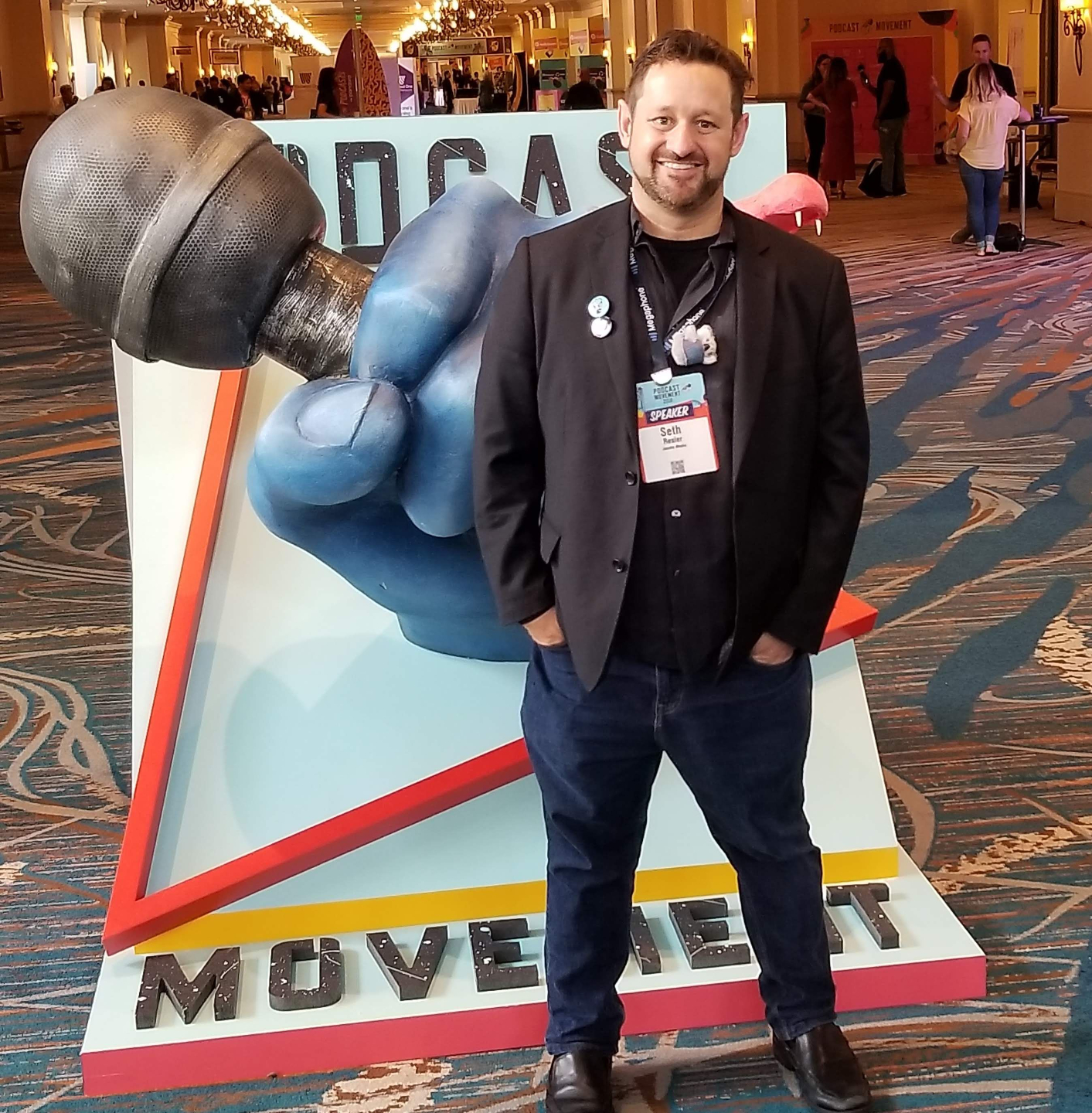
I've collaborated on digital strategies with renowned brands like Cox Media Group, Universal Records, and broadcasting companies around the world. Over time, my advice gained recognition, leading to speaking engagements at industry conferences like the NAB Show, Podcast Movement, and the Nielsen Audio Client Conference.
But at the same time, I saw the same thing you're seeing: with the overwhelming flood of content, it has become harder and harder to capture the audience's attention.
I asked myself: What comes after content marketing?
It took me a while to realize that I not only knew the solution, but I had actually been doing it for years. Now, I can show you how to do it as well.
Building a Community of Adventurous Foodies
Throughout my entire life, I've dedicated myself to cultivating artistic and entertainment communities.
In 2010, I began a social dining group in Boston called "Mystery Meet." The idea was straightforward - a gathering of food enthusiasts enjoying a fixed-price meal at a local restaurant. The twist? The location remained a mystery until 24 hours beforehand. This ensured that all attendees were adventurous eaters, open to trying new things.
Every month, the event attracted dozens of food bloggers and other food enthusiasts. Soon enough, there were familiar faces mixed with the new ones. We would always end up talking about food: the latest restaurant openings, the innovative creations of chefs, and so on. We were a group of people with a common goal: to discover the diverse cuisines of Boston. Little did I know, we had formed a community.
Building a Community of Food Tourism Professionals
A couple of years after that, I found myself in the Bay Area where I launched a podcast called Taste Trekkers. It catered to food enthusiasts who love to travel. Each episode featured an interview with a food expert from a different city across the globe. Together, we delved into the must-know details for foodies visiting each destination: the best neighborhoods to explore, local dishes to savor, and noteworthy local chefs to know.
While hosting my podcast, I stumbled upon the world of food tour operators - these small companies that offer culinary tours in their respective cities. Intrigued by this niche, I took the initiative to launch the nation's very first food tourism conference, bringing together these culinary guides. Most operators were not acquainted with each other back then, as they considered other operators in their hometown to be competitors. However, when they found out they could meet fellow professionals in the same industry from other cities, their enthusiasm was palpable. I had created another community that connected like-minded individuals, and it felt amazing.
Building a Community of Performing Artists
Years later, while I was living in Detroit, I hosted a podcast focused on the local arts and entertainment scene. Unfortunately, when the COVID-19 pandemic hit, many talented performing artists I knew were left without any opportunities to showcase their skills. That's when I decided to collaborate with a local theatre to create Detroit’s Big Shot, a talent competition judged by a panel of experienced arts and entertainment professionals. The aim was not only to provide aspiring artists with a platform to perform but also to offer valuable feedback and career growth opportunities. Additionally, the competition fostered networking and led to exciting collaborations among participants. I had inadvertently created a vibrant community of Detroit performers.
More Communities:
Musicians, Mixologists, Podcasters, and Comedians
Reflecting on my journey, I realize that I have unknowingly brought communities together at various points. For instance, while programming an alternative rock radio station in Providence, Rhode Island, I organized a town hall for local musicians. I also used to host mixology competitions, which attracted bartenders from across the state. As a consultant for radio stations, I integrated radio professionals into the podcasting community by organizing a track called "Broadcasters Meet Podcasters" at the Podcast Movement conference. And during the COVID-19 pandemic, I organized a virtual Christmas Party for Detroit comedians who were unable to perform in front of audiences at the time. Every time, I was filled with the contagious delight that people experience when they connect with kindred souls who share their sense of purpose.
Sometimes I did these things as part of my job. But just as often, I was creating communities of like-minded artisans in my free time because it is something that I genuinely enjoy doing. I love connecting people, and I love helping artists and entertainers get to the next level in their careers.
A Blueprint for Launching Communities
For the past fifteen years, I've been working as a digital marketing professional, aiding brands throughout the country in developing and executing effective digital strategies. During the pandemic, I became very interested in the emergence of new digital tools that enable people to connect and come together.
I started experimenting with various platforms like Facebook groups, LinkedIn groups, Zoom meetings, Slack channels, and virtual event platforms.I began using these techniques to help organizations like the National Association of Broadcasters, the Wisconsin Broadcasters Association, and the Traverse City Comedy Festival build communities. Through these experiments, I eventually came up with a method to create and grow communities which combines these technologies with in-person events. In short, I developed a blueprint that any arts and entertainment brand can use to launch their own community.
I have always loved creating communities in the arts and entertainment world. Now, I want to show you how you can do the same.
Let's Build a Community!